







🛸 How to Use Frizbys.com Without Calling Your Grandkids
Welcome to the official step-by-step guide on how to navigate Frizbys.com, our online mothership for all things sandwiches, sides, and questionable life choices. If you can open Facebook, you can order a sandwich. Here’s how:
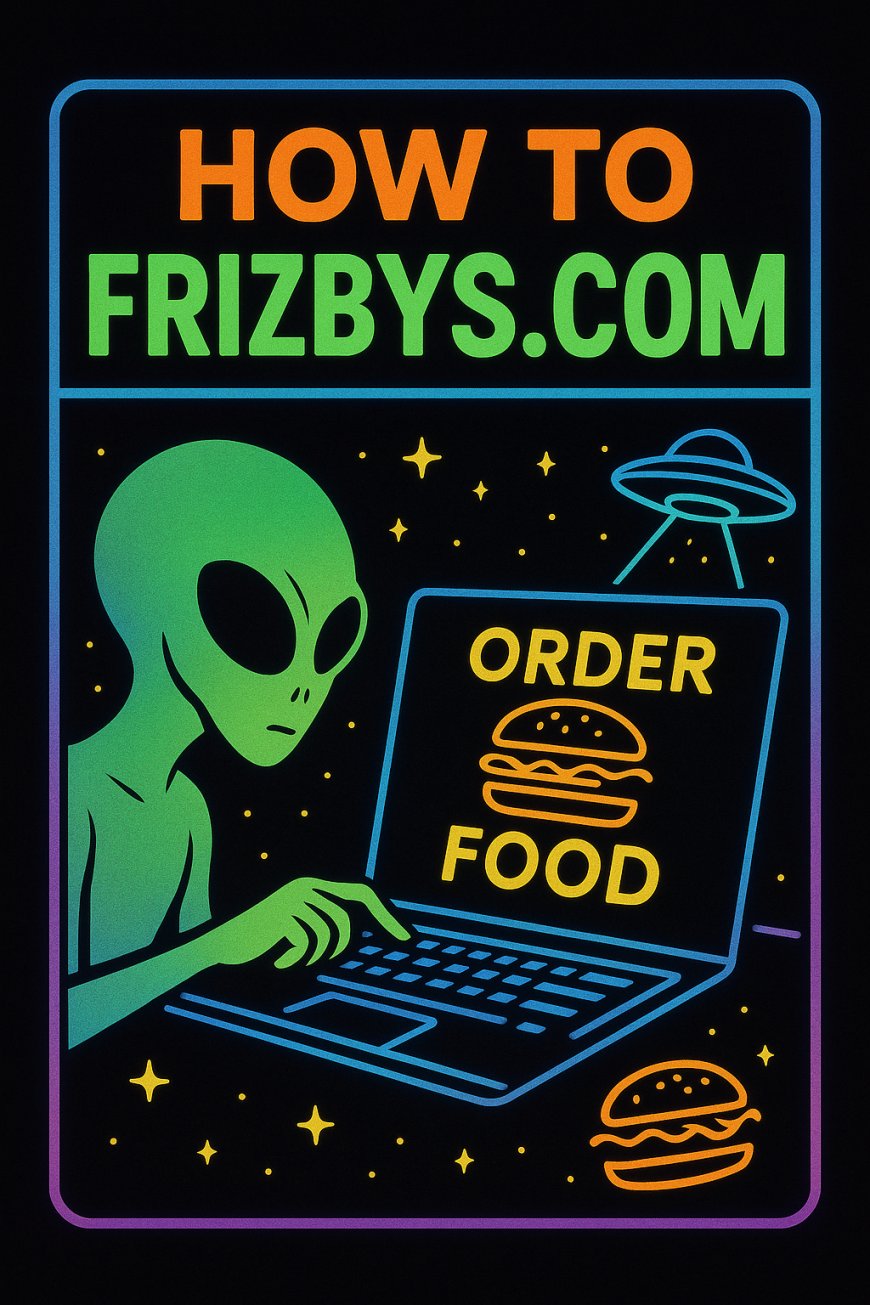
Welcome to the official step-by-step guide on how to navigate Frizbys.com, our online mothership for all things sandwiches, sides, and questionable life choices.
If you can open Facebook, you can order a sandwich. Here’s how:
👾 Step 1: Beam Yourself to the Site
Go to Frizbys.com — not .net, not .org, not “that Facebook link from three weeks ago.”
Just Frizbys.com.
If you accidentally end up on a UFO forum, you’ve gone too far.
🥪 Step 2: Pick Your Craving
You’ll see our menu — UFOs, paninis, Dagwoods, all the good stuff.
Click one. You’ll see pictures, descriptions, and maybe some questionable humor.
Don’t overthink it. The universe rewards decisiveness.
🧾 Step 3: Add to Cart
Hit that big “Add to Cart” button. It’s not a trap.
You can customize your sandwich, add chips, a soda, or go rogue and throw in ice cream.
When you’re done, hit Checkout like a pro.
🪙 Step 4: Payment Options
Pay online, or choose “Pay at Pickup” if you’re still emotionally attached to paper money.
Either way, we’ll beam your order to the kitchen instantly.
🚗 Step 5: Pick It Up & Brag
Come by the shop, pick up your food, and feel smug knowing you used a locally-built website instead of feeding some third-party app’s billion-dollar yacht fund.
💬 Bonus Round: Leave a Comment
Got a suggestion, a favorite sandwich, or a weird idea you want us to try?
Drop it right here in the comments below this post.
We might actually do it. We’ve done stranger things.
TL;DR:
1️⃣ Go to Frizbys.com
2️⃣ Order food
3️⃣ Eat food
4️⃣ Tell your friends
5️⃣ Repeat until satisfied
Frizby’s Transmission Center — powered by caffeine, imagination, and zero ads (except ours).
What's Your Reaction?
 Like
0
Like
0
 Dislike
0
Dislike
0
 Love
0
Love
0
 Funny
0
Funny
0
 Angry
0
Angry
0
 Sad
0
Sad
0
 Wow
0
Wow
0